
Notice: The Witty browser extension is currently offline. The information on these pages may not reflect the current status of our services.
How do I install Witty?
Here is the installation guide for Witty. No coding or technical help is needed. In 3 simple steps, you're ready to use Witty.
Learn in 3 steps how Witty works & how you can install it.
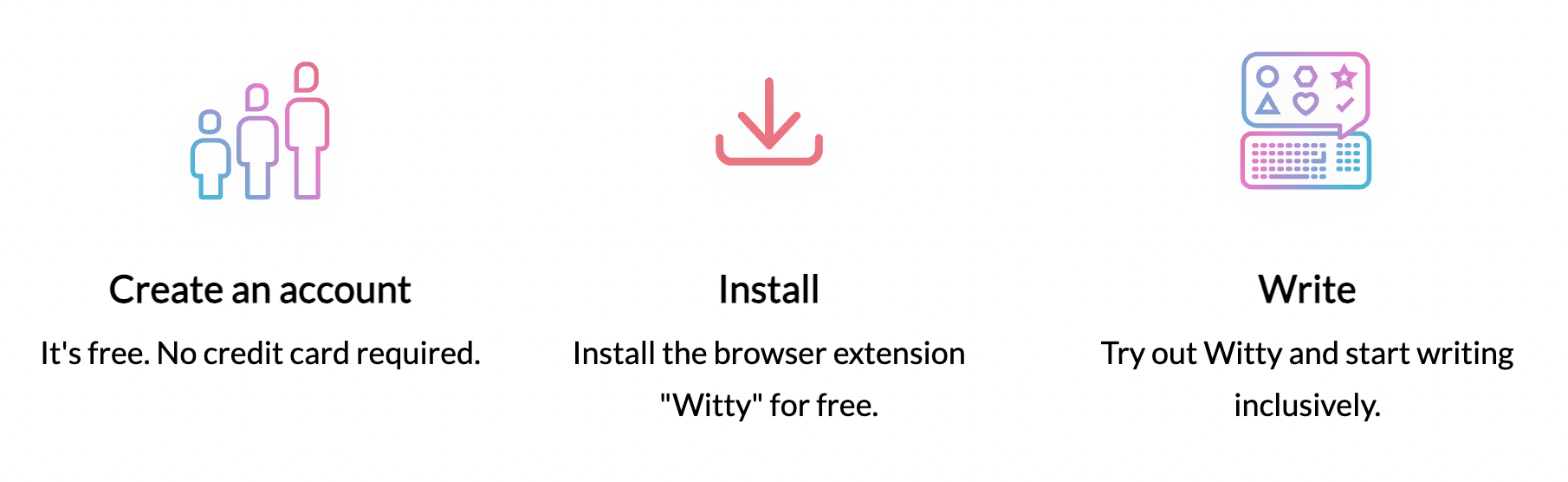
Step 1: Install the extension
Install Witty from the Chrome Web Store or Firefox Add-ons, then create your account from the extension itself — open it and choose Sign up.
Step 2: Supported browsers
- Witty runs in Chrome, Edge, and Firefox. Edge users can install the Chrome Web Store version.
- If your company doesn't allow you to install browser plugins, please contact us and we'll support you in working with your company's internal IT.
Step 3: Write
- Sign in to your browser extension.
- Once you have installed Witty, you can try out Witty.
- Pin the Witty extension to your toolbar.

You are ready to go! 👍🏿👍🏽👍🏻
Browser compatibility
Witty works currently with Google Chrome, Microsoft Edge, and Firefox. We are working hard to make it work with more tools. We let you know as soon as it works in an additional tool.
If you prefer watching a video, here's a
tutorial on how to install Witty.
Do you need help?
- If you find a bug, please report it here.
- If you need help, please contact us via chat.